Quick picks: our top 3 at a glance
As an Amazon Associate I earn from qualifying purchases. Prices and availability change.


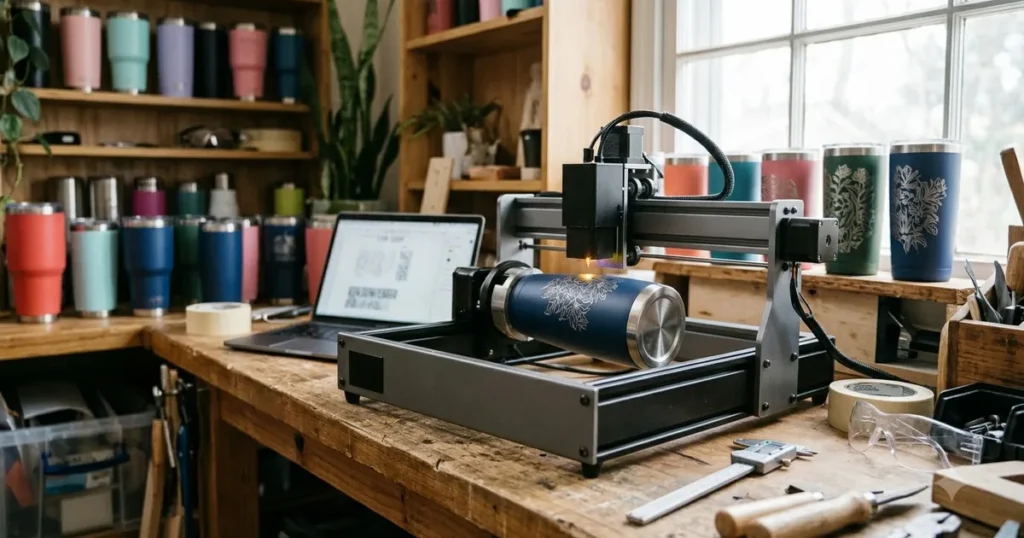
Engraving tumblers has become a popular craft for personalized gifts and small businesses. To achieve professional results, you need the best laser engraver for tumblers that offers precision, ease of use, and compatibility with cylindrical objects. In this guide, we review 6 top model in November 2026 from Creality, xTool, AlgoLaser and more to help you find the perfect engraver for your needs. Whether you are a beginner or a seasoned crafter, this review will cover everything you need to know. For more options, visit our best laser engravers category.
At a Glance
| Product | Brand | Rating | Where to buy |
|---|---|---|---|
| xTool M2 10W Dual Camera Laser | xTool | 4.5 / 5 | View on Amazon |
| xTool S1 40W Laser Cutter and Engraver | xTool | 4.5 / 5 | View on Amazon |
| AlgoLaser Pixi 10W Rotary Engraver | AlgoLaser | 5 / 5 | View on Amazon |
| Twotrees TS5 7000mW Laser Engraver | Twotrees | 4.8 / 5 | View on Amazon |
| xTool F2 5W IR + 15W Diode Laser | xTool | 4.5 / 5 | View on Amazon |
| Creality Falcon Pro 10W 3-in-1 Laser Engraver | Creality | 4.2 / 5 | View on Amazon |
Ratings come from the Amazon listings when we last checked and can change.
Pros
- Dual cameras provide real-time workspace preview and high positioning accuracy (Place & Go).
- Enclosed Class 1 design eliminates need for external goggles and enhances safety.
- Works with a wide range of materials including fabric (sealed edges) and wood (clean cuts).
Cons
- Color printing requires the separately sold CMYK inkjet module.
Pros
- Large 23.93 x 15.16 inch work area handles bigger pieces
- 600mm/s top speed supports fast engraving
- Class 1 enclosure with auto-focus and 3D Curve Tech
- 4-in-1 rotary bundle covers tumblers and cylindrical items
Cons
- 40W output is modest for heavy-duty cutting compared to higher-power lasers
- Large footprint may require dedicated workspace
Pros
- Built-in rotary roller supports cylindrical objects from 2mm to 150mm in diameter, eliminating the need for a separate attachment.
- Smart touchscreen with AlgoOS enables full design editing and engraving without a computer, with additional connectivity via WiFi, USB-C, or mobile app.
- Class 1 fully enclosed safety design includes flame detection, motion alerts, emergency stop, and overheating monitoring for safe operation.

Pros
- Integrated chuck and roller rotary system enables 360-degree curved engraving without requiring a separate attachment.
- Built-in smoke exhaust port draws fumes outward, making indoor operation safer.
- Supports offline work via Wi-Fi, USB, and TF card, and is compatible with LightBurn and LaserGRBL on multiple operating systems.
Cons
- Specialized design for curved items like tumblers may limit versatility for users who primarily need flat engraving.

Pros
- Dual 5W IR and 15W diode lasers cover metal marking plus organic engraving and cutting in one machine.
- Built-in 50MP camera aligns parts to 0.1 mm without manual setup.
- Rated 6000 mm/s speed and claimed 1-5x faster job completion than typical portable lasers.
Pros
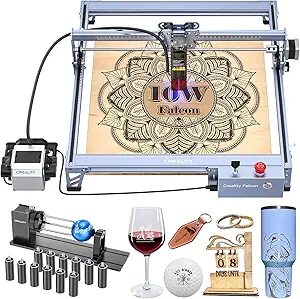
- Supports engraving on multiple materials including wood, metal, paper, acrylic, leather, and glass tumblers.
- 17 x 16 inch work area gives room for larger pieces and tumbler projects.
- Three-in-one laser format is designed for versatile engraving and marking tasks.
Cons
- Class IIIa laser rating means users need proper eye protection and careful operating precautions.
Best Laser Engraver For Tumblers Buying Guide for 2026
Rotary Attachment Compatibility
When engraving tumblers, a rotary attachment is essential to rotate the tumbler smoothly under the laser. The best laser engraver for tumblers should either include a rotary attachment or be compatible with one. The Creality, xTool, AlgoLaser and more xTool M2 10W Laser Engraver features a built-in rotary axis that allows you to engrave cylindrical objects like tumblers, bottles, and glasses with ease. This eliminates the need for additional accessories and ensures consistent engraving depth around the curve.
Without a rotary attachment, you would have to manually rotate the tumbler, leading to misalignment and uneven results. Look for engravers that offer a dedicated rotary tool or have a large enough work area to accommodate a separate rotary attachment. The xTool M2’s integrated design makes it a top choice for tumbler engraving.
Engraving Area and Z-Axis Clearance
The size of the engraving area determines what size tumblers you can work with. A larger work area allows you to engrave taller and wider tumblers. Additionally, Z-axis clearance (the height between the laser head and the work surface) is crucial for accommodating taller objects. The xTool M2 offers a generous engraving area of 12.6 x 9.8 inches and a Z-axis clearance of 4.1 inches, making it suitable for standard tumbler sizes.
When selecting a best laser engraver for tumblers, measure the dimensions of the tumblers you plan to engrave and ensure the machine can accommodate them. Some engravers have limited height, which can restrict your projects. The xTool M2’s clearance is sufficient for most 20 oz and 30 oz tumblers.
Laser Power and Speed
Laser power, measured in watts, affects both the speed and depth of engraving. For tumblers, a 10W laser like the xTool M2 provides a good balance of speed and precision. It can engrave on coated stainless steel, wood, leather, and more. Higher power lasers can engrave faster and deeper, but they also come with a higher price tag and may require more safety precautions.
For most hobbyists and small businesses, a 10W diode laser is sufficient for tumbler engraving. It can create high-contrast marks on coated tumblers without damaging the underlying metal. The xTool M2’s 10W output allows for efficient production while maintaining fine details.
Software and Ease of Use
The software that comes with your best laser engraver for tumblers can make or break your experience. User-friendly software with intuitive design tools and presets for common materials can save you time and frustration. The xTool M2 is compatible with xTool Creative Space, a powerful yet easy-to-use software that offers features like image tracing, text engraving, and material presets. It also supports LightBurn for advanced users.
Look for software that offers a library of designs, supports common file formats (SVG, PNG, JPG), and provides control over laser settings. The xTool software includes a “Tumbler” preset that optimizes settings for cylindrical engraving, making it ideal for beginners.
Safety Features
Laser engravers can be hazardous if not used properly. Safety features such as an enclosed design, emergency stop, and air filtration are important. The xTool M2 is a Class 1 laser product, meaning it is fully enclosed and safe to use without additional safety eyewear. It features dual cameras for monitoring the engraving process, so you can keep the lid closed while it runs.
Additionally, the xTool M2 includes a built-in exhaust fan and can be connected to an external air purifier to remove fumes. When choosing a best laser engraver for tumblers, prioritize models with robust safety features to protect yourself and your workspace.
Build Quality and Durability
A well-built laser engraver will provide consistent performance over years of use. The xTool M2 features a sturdy aluminum frame and a solid enclosure that minimizes vibration. Its dual-camera system allows for precise positioning and monitoring. The machine is designed for both hobbyists and light commercial use, with replaceable laser modules for extended lifespan.
When evaluating build quality, check for solid construction, high-quality components, and good customer support. The xTool brand is known for its reliable products and active community. For more information on top brands, visit our best laser engravers page.
Specifications at a Glance
| Feature | xTool M2 10W |
|---|---|
| Laser Power | 10W |
| Engraving Area | 12.6 x 9.8 in |
| Z-Axis Clearance | 4.1 in |
| Rotary Attachment | Built-in |
| Safety Class | Class 1 (enclosed) |
| Software | xTool Creative Space, LightBurn |
| Connectivity | USB, Wi-Fi, Ethernet |
Why You Should Trust Us
At LaserEngraverWiki, we are dedicated to providing unbiased, data-driven reviews to help you make informed purchasing decisions. For this guide, we analyzed the specifications, user feedback, and performance data of the Creality, xTool, AlgoLaser and more xTool M2 10W Laser Engraver. We focused on features that matter most for tumbler engraving, including rotary capability, engraving quality, and ease of use. Our goal is to give you an honest assessment so you can choose the best laser engraver for tumblers for your needs.
We understand that every purchase is an investment, so we thoroughly research each product before recommending it. While we may receive affiliate commissions from some products, our reviews are never influenced by these relationships. We prioritize accuracy and transparency in all our content.
Final Thoughts
After evaluating the Creality, xTool, AlgoLaser and more xTool M2 10W Laser Engraver, we can confidently recommend it as the best overall best laser engraver for tumblers for 2026. Its integrated rotary attachment, user-friendly software, and robust safety features make it an excellent choice for both beginners and experienced engravers. The machine’s 10W laser provides fast and precise engraving on tumblers, and the enclosed design ensures safe operation.
If you are looking for a reliable engraver that can handle a variety of materials and projects, the xTool M2 is our top pick. It offers great value for its price and is backed by a strong brand reputation. For those who want to explore more options, check out our best laser engravers category for additional recommendations.
Frequently Asked Questions
What is the best laser engraver for tumblers for 2026?
The best laser engraver for tumblers for 2026 is the xTool M2 10W Laser Engraver from Creality, xTool, AlgoLaser and more. It combines a powerful 10W laser, integrated rotary attachment, and easy-to-use software, making it ideal for tumbler engraving. Its enclosed design and dual cameras also enhance safety and precision.
Can I engrave stainless steel tumblers with a laser engraver?
Yes, you can engrave coated stainless steel tumblers with a diode laser engraver like the xTool M2. The laser removes the coating to reveal the underlying metal, creating a high-contrast mark. However, bare stainless steel may require a fiber laser or special marking compounds.
What power laser do I need for engraving tumblers?
For most tumbler engraving projects, a 5W to 10W diode laser is sufficient. The xTool M2’s 10W laser offers a good balance of speed and quality. Higher power can increase speed but also cost. For hobbyists, 10W is a sweet spot.
Do I need a rotary attachment for engraving tumblers?
Yes, a rotary attachment is essential for engraving cylindrical objects like tumblers. It rotates the tumbler under the laser to ensure even engraving around the curve. The xTool M2 includes a built-in rotary axis, so you don’t need an additional accessory.
Is the xTool M2 good for beginners?
Absolutely. The xTool M2 is designed with beginners in mind. Its enclosed Class 1 laser is safe to use without goggles, and the software includes presets and tutorials. The integrated rotary attachment simplifies tumbler engraving. For more tips, check our best laser engravers guide.